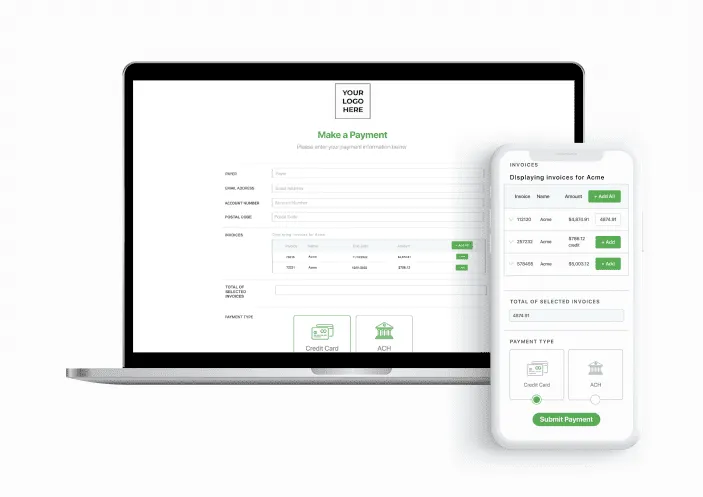
Let your insureds review and select which invoices they would like to pay directly from your client portal.
e-receipts
After paying, your client will receive an e-receipt displaying their account number and amount paid.
QUESTIONS & ANSWERS
Frequently Asked Questions
Here are some of our most-asked questions
We’ll add at least two unique identifier fields such as an account number and zip code. Once that information is entered on the payment page the invoices associated with that account will be accessible.
Once the questionnaire has been received our support team will be able to activate your integration within 1 – 2 business days.
To set up an integration you will need to switch from your basic payment page subscription to an integration payment page subscription, there are no additional setup costs. Pricing for the integrations varies and can be found at the bottom of the integration landing page.
Can a payer make a payment if an invoice doesn't exist?
We can enable the “Not Invoiced” option where an insured can make an arbitrary payment for a quote.
Invoice Notifications are off by default for all accounts. To turn them on or back off, contact your account manager or our support team.
Please contact your Account Manager or our support team for assistance with this.