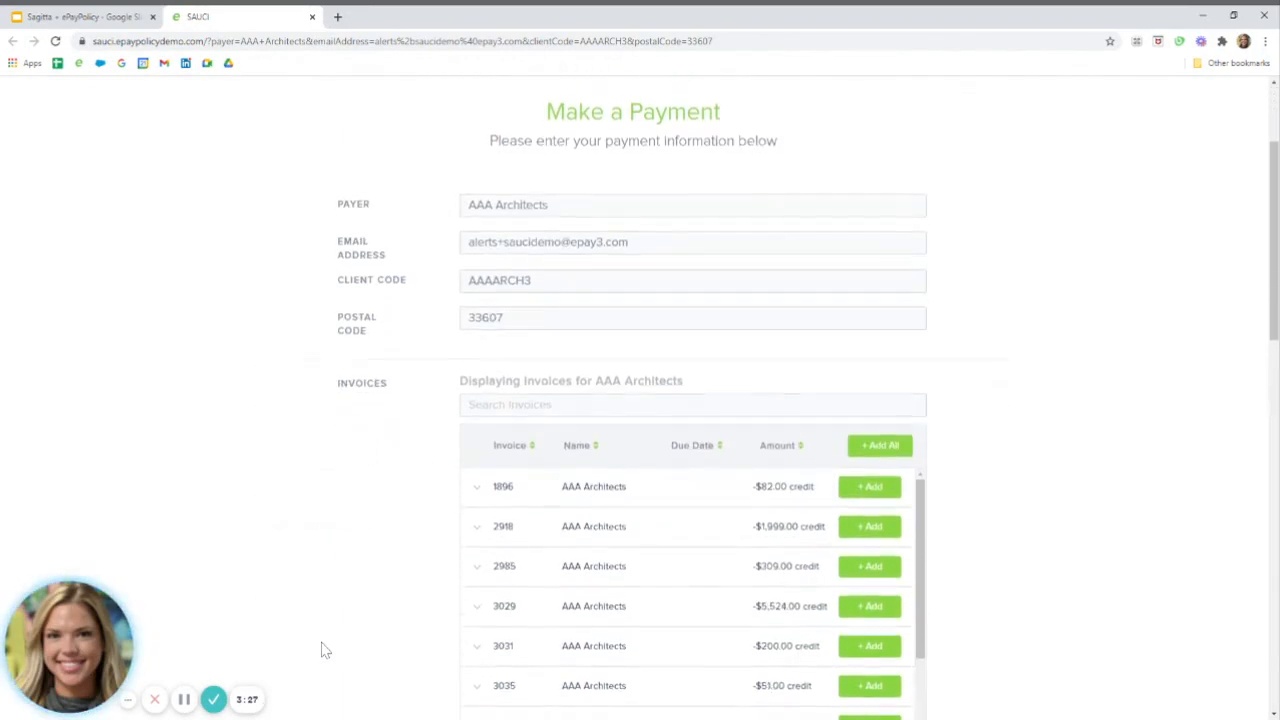






TOUR A PAYMENT PAGE IN 60 SECONDS    TAKE A TOUR >
  • Client Toolkit

    We’re here to help you and your team increase utilization of digital payments.

    videoplaceholder

  • Frequently asked questions (and helpful answers).

    After many years in the industry, we hear a lot of valid questions. Here are some of the most common questions and answers.

    Getting Started

    Besides 5 minutes not much. Have your basic account information ready, including which bank accounts you would like your funds deposited. If ready click here to get signed up!

    Independent Insurance Agencies, MGA/Wholesalers, Premium Finance Companies, and Insurance Carriers in the United States and Canada.

    No, currently ePayPolicy does not work with agencies that are a sole proprietorship.

    No, with ePayPolicy there is no contract, no signup fee, and you can cancel at any time.

    Unfortunately, no. ePayPolicy’s payment processing platform is specifically designed and set up for insurance-related payments. 

    That depends on your state’s requirements. We recommended checking with your state’s Trusted Choice / BIG I Partner for the most up-to-date regulatory information to ensure your agency stays in compliance.

    Using ePayPolicy

    We accept all 4 major credit cards. Visa, Mastercard, American Express and Discover.

    Processing fees vary by country and/or state, contact support for more information.

    Credit card, debit card, and ACH payments will typically take about 2 business days to settle to your bank account.

    Once you sign up there will be an email sent to you with a link to your online dashboard. From your dashboard you can track all transactions, export them, change user permissions, and check statuses of all transactions. In addition, you and your team will receive an e-receipt for each transaction. You can subscribe and unsubscribe from these notifications per user.

    Yes, upon activation your account will be given a set limit per transaction. This limit can easily be increased to accommodate larger payments.

    The moment a payment is made, an e-receipt is sent to all parties (the payer and anyone in your organization that subscribes to the e-receipts). The payment is also reflected in the dashboard in real time.

    Batches in our dashboard represent daily deposits that are sent to your bank account. Those batches align to the penny with deposits that hit your bank account. Our system creates one batch per day that could include multiple transactions. You can see a breakdown of all of the transactions within a batch by logging into our online dashboard.

    Yes, you can find the PayNow buttons and the email signature buttons on our Client Toolkit page. Just pick the button you like best and send that with a link to your web designer. If you need further assistance, we’re happy to help.

    To add an email signature button, hyperlink the button of your choice in your email signature setup. See instructions here for Gmail or Outlook.

    When a bounced ACH occurs, we notify you and the payer immediately by email. ePayPolicy will debit your account for the funds.

    We typically know funds are rejected after 5 or 6 business days from the transaction. This works in the same way as a paper check, where the funds may look good initially but are later pulled back.

    You will still be charged the transaction fee on the original transaction. Therefore, if an NSF occurs, you’ll only be charged the transition fee associated with the payment which will vary based on payment amount.

    Yes, you can void a credit card or ACH payment from your dashboard. It has to be done before 8 pm Eastern of the initial transaction. There are no charges to you or the payer for issuing a void.


    You can also refund a credit card transaction between 2 days and 6 months after the original transaction and can refund an ACH transaction between business 6 days and 6 months. This is because ACH transactions take longer to fully settle and we want to protect you from issuing a refund until that happens. Using our dashboard, you will be able to make full and partial refunds. There are no additional fees for refunding a payment.

    Learn how to reverse a payment. 

    At this time, we can only accept credit card payments in Canada.

    Integrations / APIs

    Yes, this is done via an API and you can learn more about that here. We also have multiple integration options which are listed here. If you need further assistance, please email us at support@epaypolicy.com and we’ll be happy to work with your team to get integrated.

    Once your ePayPolicy account is active, visit our integration questionnaire to get started.

    Once the questionnaire has been received, our support team will be able to activate your integration within 1 - 2 business days.

    To set up an integration you will need to switch from your basic payment page subscription to an integration payment page subscription, there are no additional setup costs. Pricing for the integrations varies and can be found at the bottom of the integration landing page.

    We’ll add at least two unique identifier fields such as an account number and Zip Code. Once that information is entered on the payment page the invoices associated with that account will be accessible.

    Yes, you can switch back to a basic payment page for no additional costs but the additional features of the integration will be inactive.

    Each integration is different, specific FAQs can be found on their landing page

    Data Security

    Yes, ePayPolicy doesn’t store any credit card or ACH information. Once a payment has been made, verified, and processed, we then expunge the client data from our system. We are PCI Level 1 compliant, which is the highest level of compliance within the Payment Card Industry. We go through an annual audit of our systems and processes to ensure we are doing everything possible to keep you and your customers’ information secure at all times.

    PCI DSS is a set of universally accepted standards that help protect the safety of customer data. PCI DSS sets the operational and technical requirements for organizations accepting or processing payment transactions, as well as for software developers and manufacturers of the applications and devices used in those transactions.


    Put simply, any business entity that is involved in accepting, processing, and storing payment card information is required to comply with PCI DSS.


    ePayPolicy is Level 1. This is the highest of four PCI compliance levels, based on the total ($) or transactions made per year. Being Level 1 means we must to follow the strictest data security protocols as defined by PCI DSS.

  • Integrations

    Powerful connections to the most popular management and accounting systems for insurance. Custom and open API integrations available as well.

    Integrations make fast even faster.

    Automate work, improve security and reduce manual, redundant tasks.

    Real-Time Invoicing

    Let your insureds review and select which invoices they would like to pay directly from your client portal.

    Invoice Notifications

    Once payment has been made the invoice automatically writes back into the dashboard and management system.

    AutoPay

    Allow your client to set up a payment method that will automatically pay invoices when due.

    Learn More

    ams360 Management System Digital Payment Integration with ePayPolicy

    Explore Integration →

    Your ePayPolicy payment page shows the exact balances due by the insured. After payment, an activity and a suspense will automatically be created within AMS360.
    Read More
    Applied Systems

    Explore Integration →

    With our Applied integrations, ePayPolicy automatically syncs electronic payments into EPIC or TAM as activities.
    Read More

    Explore Integration →

    Generate an invoice for each payment due. When a payment is received and processed, the agency can automatically generate and send a receipt to the client.
    Read More

    Explore Integration →

    Generate an invoice for each payment due. When a payment is received and processed, the agency can automatically generate and send a receipt to the client.
    Read More
    AIM Management System Digital Payment Integration with ePayPolicy

    Explore Integration →

    ePayPolicy automatically reconciles electronic payments into Vertafore’s AIM, streamlining activities across accounting and eliminating the need for duplicate data entry.
    Read More
    AIM Management System Digital Payment Integration with ePayPolicy

    Explore Integration →

    ePayPolicy automatically reconciles electronic payments into Vertafore’s AIM, streamlining activities across accounting and eliminating the need for duplicate data entry.
    Read More
    FinancePro Management System Digital Payment Integration with ePayPolicy

    Explore Integration →

    Once activated, your insureds can make installment and down payments safely and securely with FinancePro.
    Read More
    Insurlink Logo

    Explore Integration →

    Clients can pay agency bill polices electronically through the client portal. InsurLink Payments creates an important client touchpoint that is safe, secure, and convenient.
    Read More
    QQCatalyst Management System Digital Payment Integration with ePayPolicy

    Explore Integration →

    Insureds will see the exact balance due on their invoice. ePayPolicy automatically creates a task in QQCatalyst in real time.
    Read More
    Sagitta Management System Digital Payment Integration with ePayPolicy

    Explore Integration →

    ePayPolicy automatically reconciles electronic payments into Vertafore’s Sagitta, eliminating the need for duplicate data entry.
    Read More
    i-Engineering Inc Logo

    Explore Integration →

    ePayPolicy automatically reconciles electronic payments into i-Engineering’s ALIS.
    Read More
    i-Engineering Inc Logo

    Explore Integration →

    ePayPolicy automatically reconciles electronic payments into i-Engineering’s ALIS.
    Read More
    Veruna Logo

    Explore Integration →

    Your ePayPolicy payment page will show the exact balances due by the insured. Post-payment, an e-receipt will automatically be created within Veruna.
    Read More
    Veruna Logo

    Explore Integration →

    Your ePayPolicy payment page will show the exact balances due by the insured. Post-payment, an e-receipt will automatically be created within Veruna.
    Read More

    Explore Integration →

    Electronic payments (credit card and ACH) are automatically reconciled into MGA Systems’ IMS.
    Read More
    Pathway Logo

    Explore Integration →

    The only payment processor integrated with Pathway’s Self Service Kiosk, an intuitive client portal solution.
    Read More

    Explore Integration →

    With Hawksoft's Hawklink connector, you can eliminating the need for duplicate data entry.
    Read More

    Explore Integration →

    With Nexsure's integration, you can streamline activities across accounting and eliminating the need for duplicate data entry.
    Read More

    Explore Integration →

    With BindHQ's integration, you can streamline activities across accounting and eliminating the need for duplicate data entry.
    Read More

    Explore Integration →

    With BindHQ's integration, you can streamline activities across accounting and eliminating the need for duplicate data entry.
    Read More
    virtualMGA Management System Digital Payment Integration with ePayPolicy

    Explore Integration →

    Virtual MGA users have the benefit of seeing exact invoices, receipt of policies and reconciling premium bordereau all in real time.
    Read More
    virtualMGA Management System Digital Payment Integration with ePayPolicy

    Explore Integration →

    Virtual MGA users have the benefit of seeing exact invoices, receipt of policies and reconciling premium bordereau all in real time.
    Read More
    Novidea Logo

    Explore Integration →

    Your ePay page will show the exact balances due by the insured. After a payment has been made, a cash receipt will automatically be created within Novidea.
    Read More
    Jetfile Management System Digital Payment Integration with ePayPolicy

    Explore Integration →

    Your ePayPolicy payment page will show the balances due by the client. Then, an e-receipt will be created within your Jetfile management system after a payment.
    Read More

    Explore Integration →

    With Loro's intregration, you can streamline activities across accounting and eliminating the need for duplicate data entry.
    Schedule Demo

    Interested in becoming a partner?

  • Client Spotlight Series

    A Payments Transformation: How ePayPolicy Solved the Time Crunch for Yorba Linda Insurance Services

    Yorba Linda Insurance Services, a California-based family-owned agency celebrating its silver anniversary, understood that their family-centric, personalized ...
    Read More →

    Turning Payments into a Power Move with Angela Adams Consulting

    The days of paper checks and endless manual data entry in insurance payments should be something we’re ...
    Read More →

    A Specialty Carrier’s Take: How Human Support & Simplicity Transformed Payments at American Millennium

    Discover how American Millennium streamlined insurance payments with human support and intuitive technology. Learn how simplicity and personalized assistance boosted trust and efficiency for their ...
    Read More →

    Streamlining Success: O’Quinn Insurance Finds Efficiency with ePayPolicy and HawkSoft

    O’Quinn Insurance Services is a rapidly growing agency, and has been using ePayPolicy since 2021. In an ...
    Read More →

    Case Study: How Top 100 Brokers and MGA’s Share Their Accounting Secrets

    We recently sat down with experts from across the insurance industry—including Top 100 Brokers and MGA’s— to talk accounting automation. Read on for a peek ...
    Read More →

    How Broker RK Tongue Uses Finance Connect

    Download Case Study Insurance brokers are finding innovative ways to boost efficiency and client satisfaction in an ...
    Read More →

    White Paper: 8 Reasons To Consider a New Insurance Payments Processor

    Download this white paper: 8 Reasons to consider a new insurance payments provider.
    Read More →

    Case Study: How a Top 10 Broker Reduced Check Processing Overhead by Over 50%

    When this Top 10 Broker engaged with ePayPolicy to streamline and automate their check reconciliation process, they didn't know how powerful the results could be.
    Read More →

    CheckMate Changes Checks for BSR

    Download Case Study Microplastics. The smell in the break room when someone microwaves salmon. Paper checks.  Some ...
    Read More →

    Case Study: MGA is First to Launch Automated Check Reconciliation

    Bailey Specialty Risks, Inc. (BSR) recently launched CheckMate, our machine learning powered check reconciliation solution, becoming the ...
    Read More →
    Riskguard Insurance adopts digital payments

    Riskguard Insurance Solutions Goes “Full Digital” with ePayPolicy

    Riskguard Insurance used to have two digital payment solutions: one for ACH payments and another for credit card payments. Not ideal, to say the least. ...
    Read More →
    Libke Insurance

    How Libke Insurance Stays Ahead of the Digital Curve

    The agency had been using Simply Easier Payments for about 3 years when they switched over to ePayPolicy in 2017. ePayPolicy had a more professional ...

    Read More →

  • Video Tutorials

    A library of how-to videos to make payments the easiest part of your business.

    FEATURED

    Invoice Notifications – Automate your invoice notification process

    Invoice notifications do the collections work for you. Once set up, they'll send out payment requests so you won't have to, and will even follow up on past due payment requests.

Shopping Basket

PREVIEW

PREVIEW

PREVIEW

PREVIEW

PREVIEW

PREVIEW

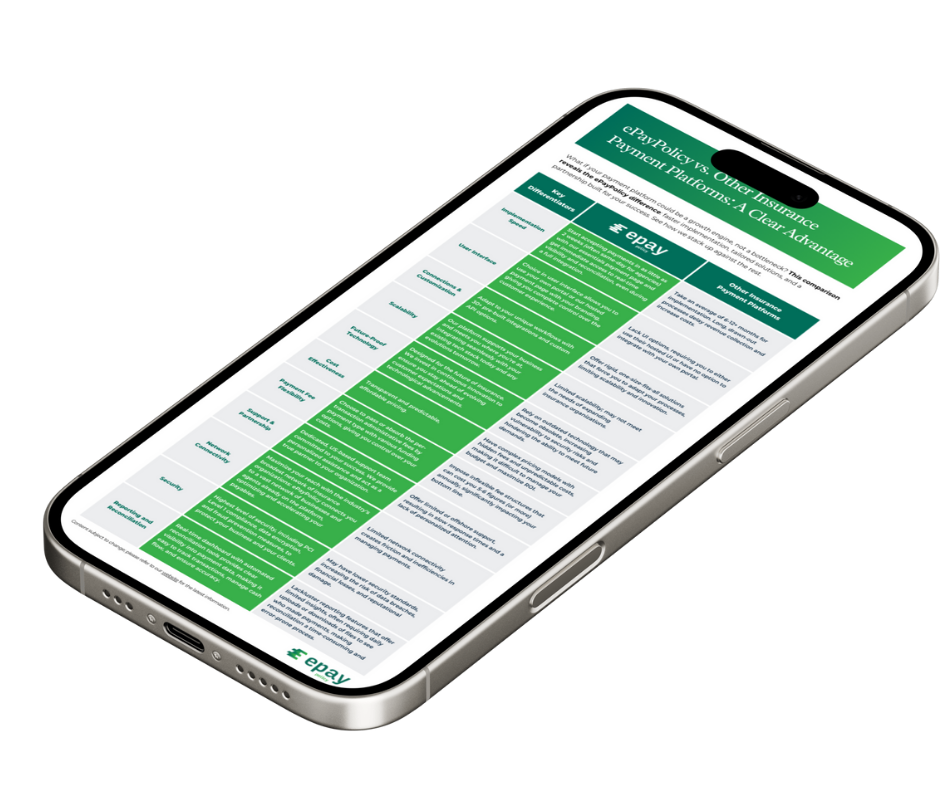
WHAT ACTUALLY MAKES EPAYPOLICY DIFFERENT?

Here are 11 reasons that over 10,000+ insurance organizations choose ePayPolicy.